
What it does
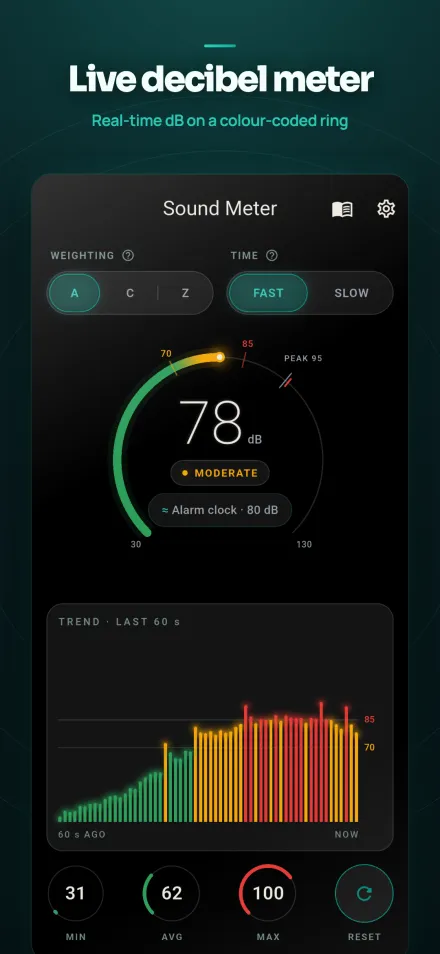
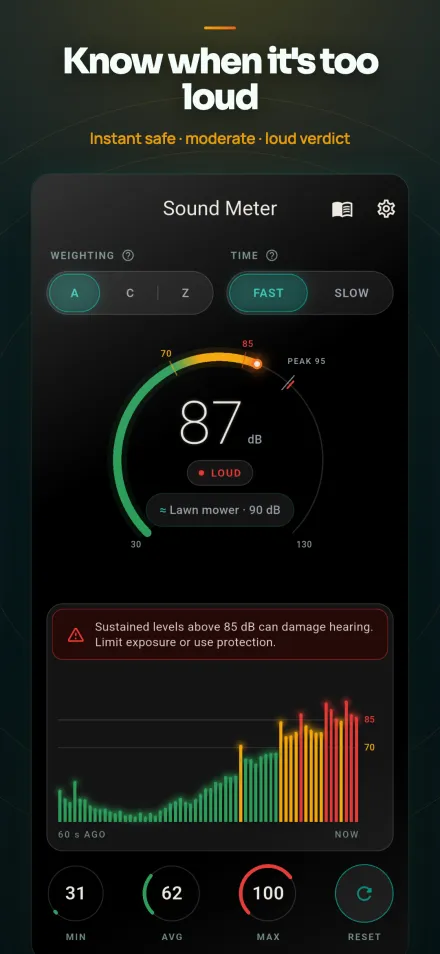
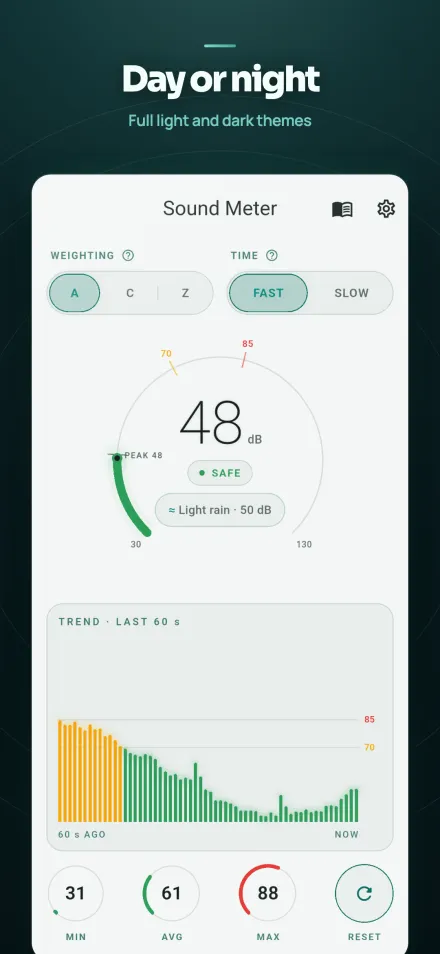
Open the app and it starts measuring right away. A circular ring gauge shows the current sound level in decibels, updating in real time as the room gets louder or quieter. Color zones mark the reading as quiet, moderate, or loud, so the number means something at a glance.
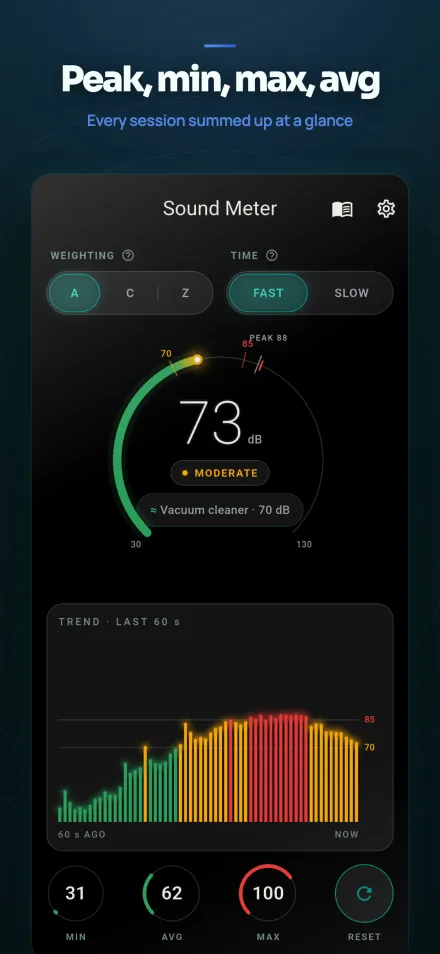
Below the gauge, a 60-second trend chart shows one bar per second, so you see a pattern instead of a single digit. A small chip compares your reading with an everyday sound, like a quiet room or a passing truck. The app also tracks Min, Max, and an energy-based average (Leq) for the current session, with a one-tap reset.
Screenshots
Features
- Live decibel gaugeA ring gauge shows the current sound level in dB, updated continuously from the phone's microphone.
- A, C and Z weightingA weighting follows human hearing, C suits low-frequency sound, and Z is unweighted. A and C use real per-frequency IEC 61672 filters on the current release.
- Fast and Slow responseTwo time-response modes use real exponential time averaging, matching standard noise-measurement convention.
- Session statsThe app tracks Min, Max, and an Leq-style average for the current session, with a one-tap reset.
- 60-second trend chartA bar chart shows the last 60 seconds of readings, one bar per second, so you can see the pattern over time.
- Timed measurementMeasure for 10, 30, or 60 seconds and get a single LAeq result for that period.
- Calibration sliderAn offset of up to ±20 dB lets you compensate for differences between phone microphones.
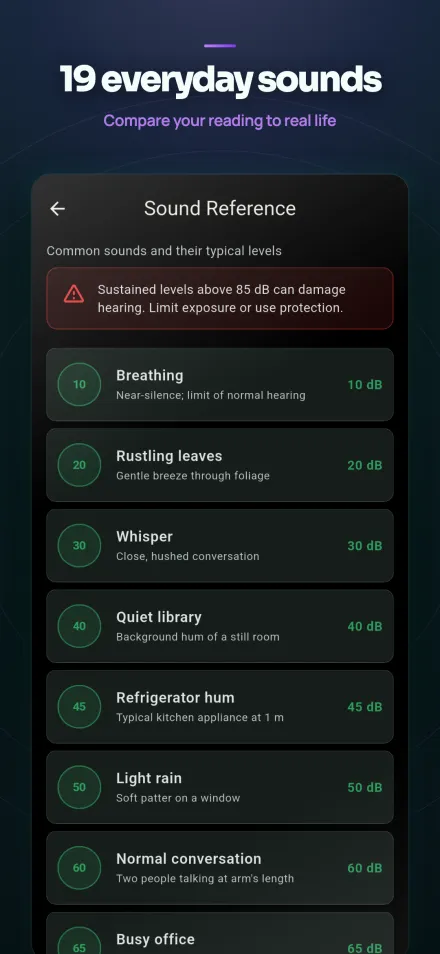
- Sound reference guideA built-in list of 19 everyday sounds, such as a whisper at 30 dB and a rock concert at 110 dB, for comparison.
How it works
Sound Meter uses the phone's microphone only to measure the ambient sound level. Audio is processed on the device in real time and is never recorded, saved, or sent anywhere.
Measurement runs fully offline, so no internet connection is needed to take a reading. The calibration slider lets you nudge the result to account for your specific phone's microphone.
Limits
- Sound Meter is a screening tool for everyday awareness and education. It does not meet the Type 1 or Type 2 certified-instrument standard for sound level meters.
- Readings vary by phone microphone, case, and calibration. Use the calibration slider to get closer to an accurate baseline for your device.
- For occupational reporting or legal evidence, use a calibrated, certified instrument instead.
- The app needs microphone permission to take a measurement; without it, the meter cannot read sound levels.
Privacy
Sound Meter collects no personal data and shows no ads in the current version.
If a future update adds advertising, the privacy policy will be updated first, with full disclosure, and EEA/UK users will see a consent request before any ads appear.
Because nothing is collected or stored on a server, there is nothing left behind after you uninstall the app.
Read the full Sound Meter privacy policy
Questions
Does Sound Meter record my audio?
No. Audio is processed live on your device only to calculate the level, and it is never saved or uploaded.
Is this as accurate as a professional sound level meter?
No. It is a screening tool, and phone microphones are not lab instruments. Use the calibration slider and treat readings as estimates.
Does the app need an internet connection?
No. It works fully offline, and all measurement happens on the device.
Are there ads?
Not in the current version. The app shows no ads today, and any future change would come with an updated privacy policy and clear notice.
Google Play and the Google Play logo are trademarks of Google LLC.